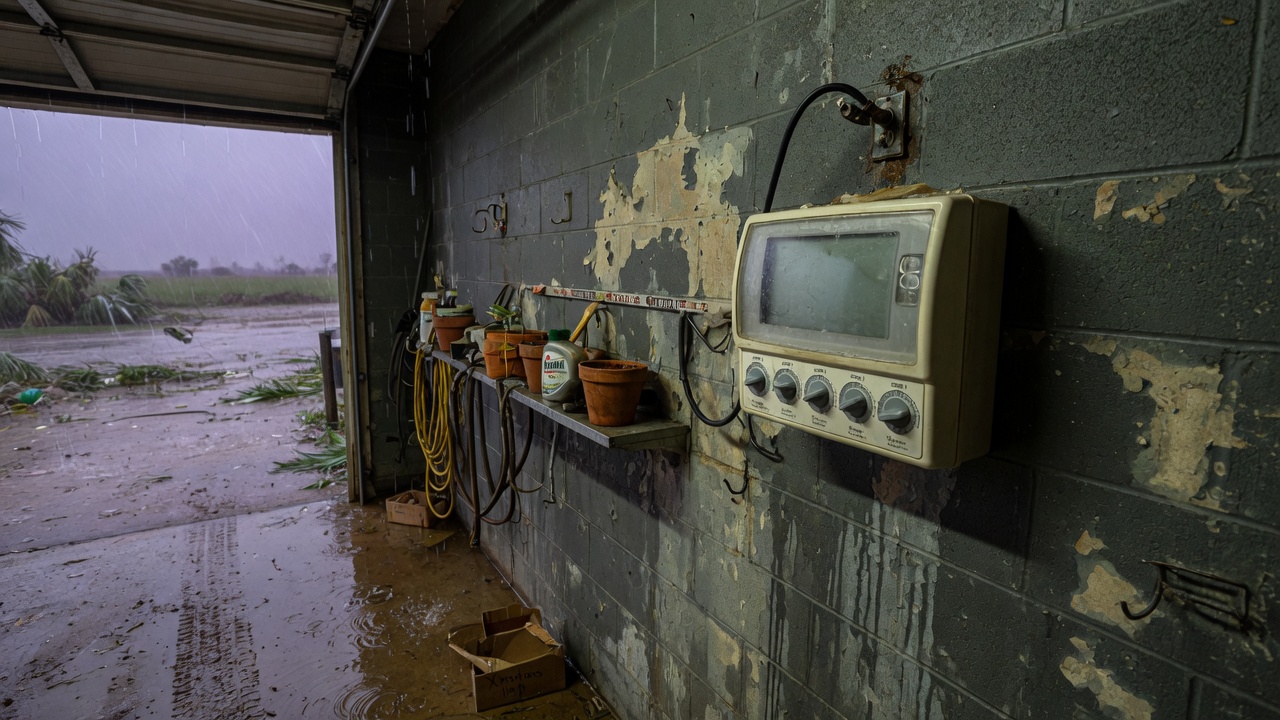
The storm has moved on, the yard is standing water, and the phone app says the controller is offline. The grass does not care about the cloud icon. What matters is whether a schedule still lives inside the timer, whether a zone is about to run on saturated clay, and whether the power that came back is stable enough to trust.
A Gulf storm in Deer Park knocks out more than Wi-Fi. It trips GFCIs, browns out the transformer, reboots routers onto a new band, and fills valve boxes. Treating “the app is down” as the whole problem is how a default program starts watering a lawn that cannot take another gallon. Here is a recovery order that does not depend on the logo on the timer.
What actually failed
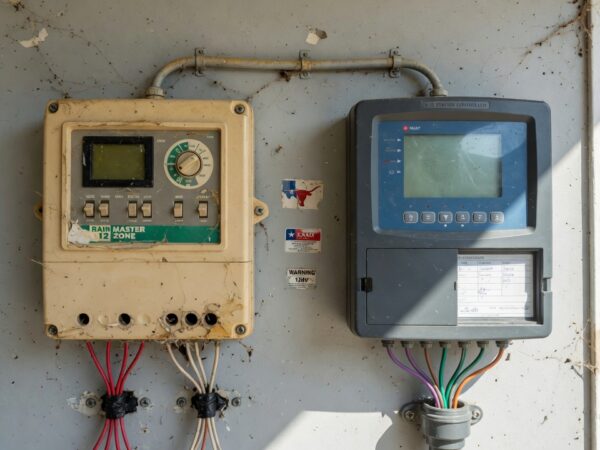
Separate the pieces before you replace any of them. Power: the outlet, the GFCI, the transformer, the controller’s own fuse or resettable protection. Network: the router, the band, the password, the controller’s radio. Schedule: the program stored on the device, as opposed to a program that exists only in an account on someone else’s server. A Wi-Fi irrigation controller worth using keeps a watering plan in onboard memory and can open valves with the internet gone. A smart plug, or a hose-bib timer that only works while the app can see it, is not that device. If the only copy of the schedule was in the cloud, you do not have a schedule until the network returns. Write the program down on paper anyway. Storm week is a bad time to discover the account email is old.
Power blinks are their own failure. Some controllers reboot into a default daily program. Some lose the clock and then water at noon because “midnight” is whenever the power returned. Some look dead because a GFCI upstream of the plug tripped and the app’s last status is a lie from six hours ago. If the controller clicks off the moment it tries to start, read why a GFCI keeps tripping the controller before you blame the radio. A network problem does not click a breaker.
Do not water a saturated yard just because the timer woke up
Clay after a Gulf rain is already full. A controller that “catches up” missed days will stack several cycles onto soil that will only shed them into the street, the beds, and the foundation line. Turn catch-up, cycle stacking, and any “water now because we skipped” feature off until the yard can actually take water. A rain delay, or the off position, is the right mode for the first dry-looking day. The surface can look firm while the clay underneath is still sealed and wet.
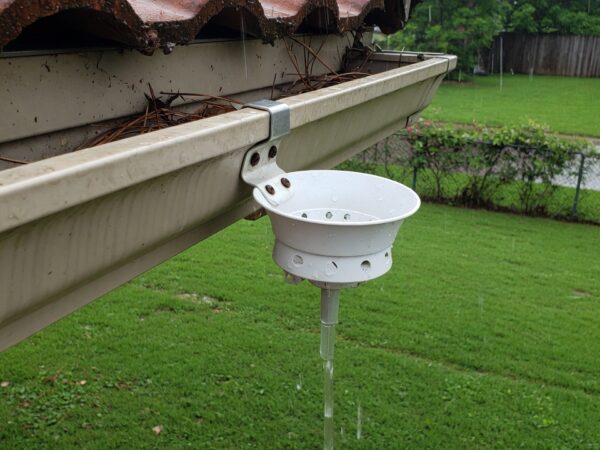
Use a local sensor as the fallback that does not need a forecast server. A wired rain or moisture sensor still stops valves when the cloud does not. Forecast-based skip is convenient and useless while the router is unplugged and the ISP is down along the industrial corridor. If your model can water from onboard memory without Wi-Fi, confirm that mode is on before the next storm, not during it. If it cannot, it is a poor fit for a house that loses internet every time the Gulf acts up. That trade is the practical half of whether a smart controller is worth it in Deer Park.
Bring the radio back without guessing
Restore power first, at the outlet, with the controller unplugged. If the GFCI will not hold with nothing plugged in, the outlet or the circuit is the fault, and the timer is a bystander. Plug the controller back in only after the outlet stays on. Give it a few minutes. Many radios do not join a 5 GHz network. After a storm, people replace routers and accept a new network name or a single combined name that is not the 2.4 GHz network the controller knows. Put the controller on 2.4 GHz, close to the house, not inside a metal cabinet that was fine until the new router moved to the far bedroom.
Reconnect the app only after you have looked at the face of the controller, if it has one, and confirmed it is not actively running a zone. Then check the date, the start times, and the seasonal adjust. A unit that survived the surge but lost its clock will water at the wrong hour even though the app looks cheerful. Set a rain delay from the buttons if the app is still spinning. Buttons do not need a password. If the display is dark, the transformer is humming and warm, or you smell scorched plastic, stop reconnecting and move to controller repair. A half-dead power supply will not be saved by a firmware update.
When to stop using Wi-Fi for this yard
Keep the smart timer if, with the network unplugged, it still runs the program you intended, a local rain sensor can stop it, and you know how to set off without the app. Drop it, or demote it, if every outage reverts to a daily default, if the only interface is a phone, or if the controller sits on a GFCI that trips in every storm and nobody notices for a week. A conventional timer with a rain sensor is a boring and respectable tool on a street where power and internet are the first things to go. Boring is a feature when you are out of town and the clay is already wet.
Deer Park conditions: ship-channel storms, power, and full soil
Storms that run up the Gulf and across Harris County do not have to be historic to knock power around Deer Park. The industrial corridor along SH-225, older overhead service, and a summer full of lightning are enough to blink clocks and trip outdoor GFCIs. Internet often returns later than electricity, or returns as a router that has forgotten the irrigation device. Plan for that gap. The yard’s limiting factor in the same week is the soil, not the signal. Humid air and clay that was soaked by the storm mean the first job after the lights come on is to prevent irrigation, not to catch up.
St. Augustine that sits in warm water grows fungus faster than it grows roots. A smart controller that helpfully resumes at 100 percent seasonal adjust, in the evening, because that was the last cloud command, is working against the lawn. Morning runtimes, a rain hold until the ground has firmed, and a sensor that does not need a cell tower are the local settings that matter. Neighborhoods closer to the channel and lower lots toward Channelview stay wet longer than a higher lot in Spencerview. Do not copy a neighbor’s “we’re back online” as a reason to start your zones. Their soil is not your soil, and their app being happy is not a moisture reading.
Checklist: controller recovery after the storm
- Look at the yard first. If water is still standing, the correct mode is off or rain delay.
- Reset power at the outlet with the controller unplugged. A tripped GFCI is not a dead radio.
- Confirm a schedule exists on the device, not only in an app account.
- Turn off missed-day catch-up so three skipped cycles do not land at once.
- Check the clock and the start times at the controller, not just the app icon.
- Put the radio on 2.4 GHz if the new router split the bands.
- Keep a wired rain or moisture sensor so a forecast outage cannot water a wet lawn.
- Smell and listen: a hot or buzzing transformer is a repair, not a reconnect.
- Once the soil has firmed, resume morning cycles only, with seasonal adjust thought through.
- If it cannot run without the cloud, replace it with a controller that can before the next storm.
If the timer came back wrong, the outlet will not hold, or you cannot tell whether a zone ran during the outage, call Deer Park Sprinkler Repair at (281) 764-7088. Mention whether the GFCI is tripped and whether the yard is still saturated. The first visit should be about power and a safe schedule, which is ordinary sprinkler maintenance after a storm, not a race to replace a controller that only needs its program turned off.